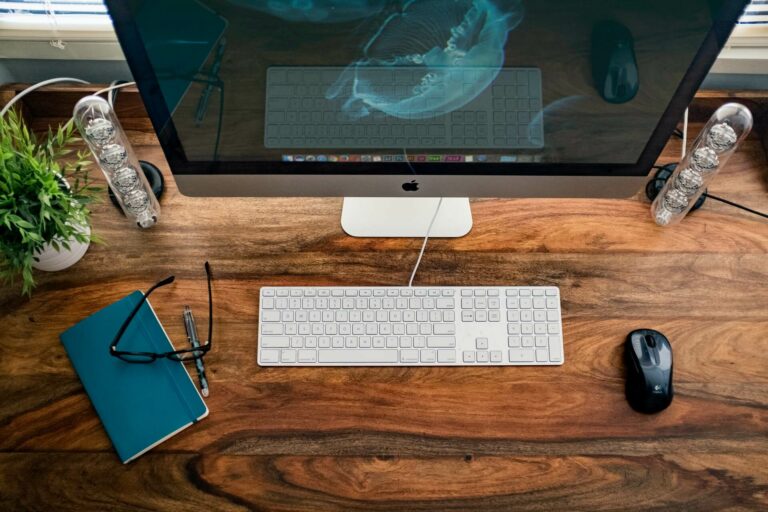
Gallery blocks have two layout settings: the number of columns, and whether or not images should be cropped. The default number of columns is three, and the maximum number of columns is eight. You can also add links to images…
This page displays the Columns block. To change the number of columns, select the column block to open the settings panel. You can show up to 6 columns. Learn more about the Columns block. Two columns Column 1 Column 2…
Our Grid block makes it easy to add icons or images and text in columns to a page or post. You have the option to change the colours, add a shadow, add rounded corners and adjust the number of columns…
Our Post block makes it easy to list your blog posts on a page. You have the option to set the number of posts, columns and include a title, subtitle and text above the posts. You can also hide the…